Create an account
Signing up, the four ways to sign in, and what to do when a sign-in link will not work.
Go to thecashoutkings.com and choose Create account. There is no application to fill in and no approval to wait for.
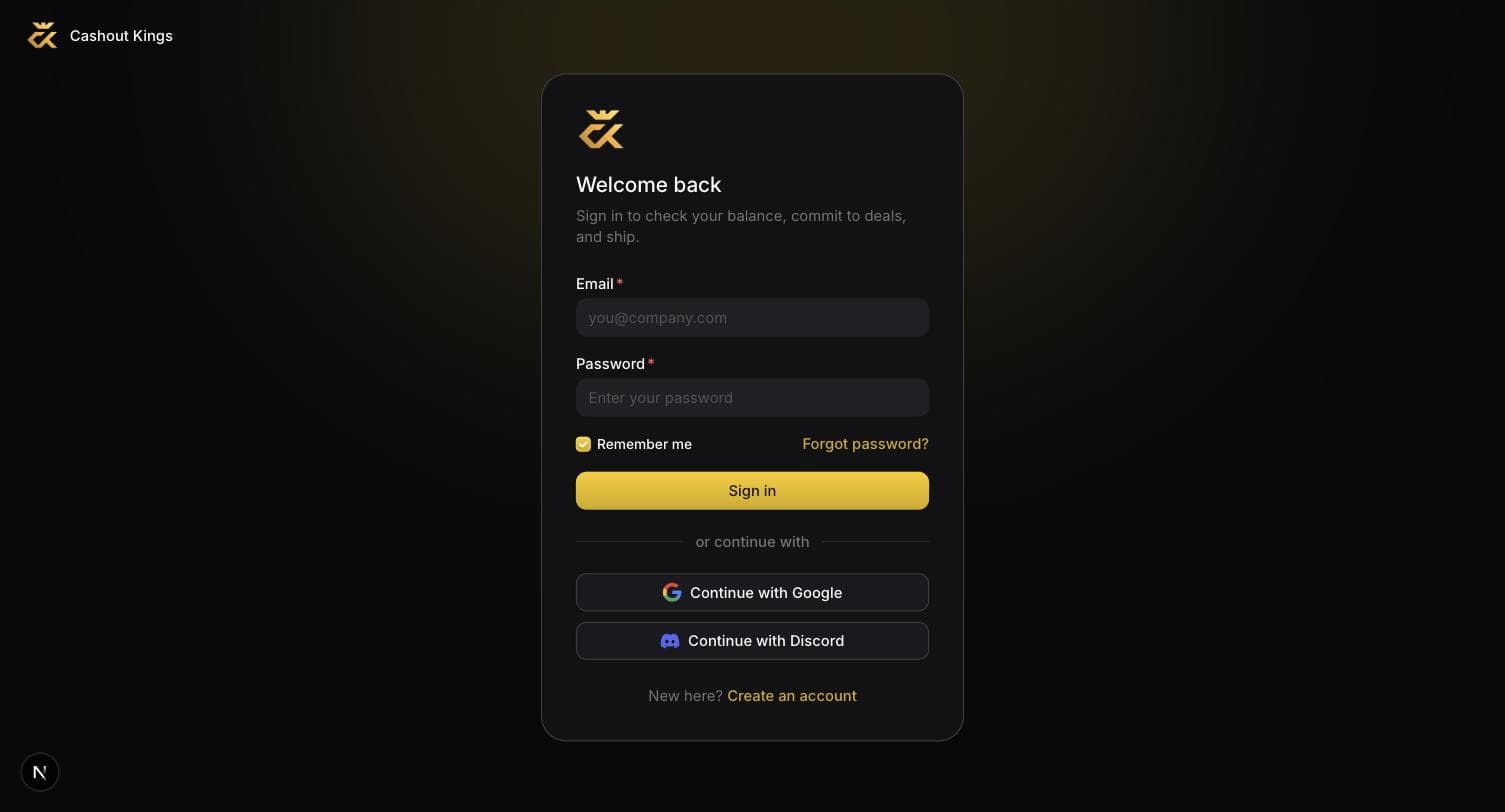
The four ways in
| Method | Use it when |
|---|---|
| Email and password | You want a login that does not depend on another account. You will be sent a confirmation link before you can sign in. |
| Fastest, and there is no password to forget. | |
| Discord | Most of our community arrives this way. It uses the same Discord account you are in our server with. |
| Magic link | You know the email but not the password. Use Forgot password and you will be emailed a link. |
All four land on the same account as long as the email address matches. Signing up with Google and later signing in with Discord on the same address will not create a second account.
Confirm your email before you sign in
If you signed up with an email and password, you must click the link in the confirmation email first. Until you do, the password is correct but the account is not yet active, and the sign-in page will say the credentials are wrong.
When a sign-in link does not work
Sign-in links are one-time and they expire. If you land on the sign-in page with a message rather than in the app, one of these is why.
Links are single use. Opening one twice, or opening it a long time after it was sent, invalidates it. Request a new one — nothing about your account is wrong.
Usually a stale tab. Sign-in was completed in one tab while another still held the old page. Close the extra tabs and go to thecashoutkings.com/app directly.
If Discord returns you to an address that is not thecashoutkings.com, tell
support and include the address you landed on. It means a redirect is
misconfigured on our side, not yours.
Check spam for a message from noreply@thecashoutkings.com. If it is not
there, request a password reset instead: that sends a fresh link and confirms
the address at the same time.
Next
Once you are in, the app asks for a few details before it will let you commit to anything. That is onboarding, and it takes about a minute.