Withdrawing your balance
How a payout request works, why it is all-or-nothing, and what happens after you press the button.
Wallet → Request payout.
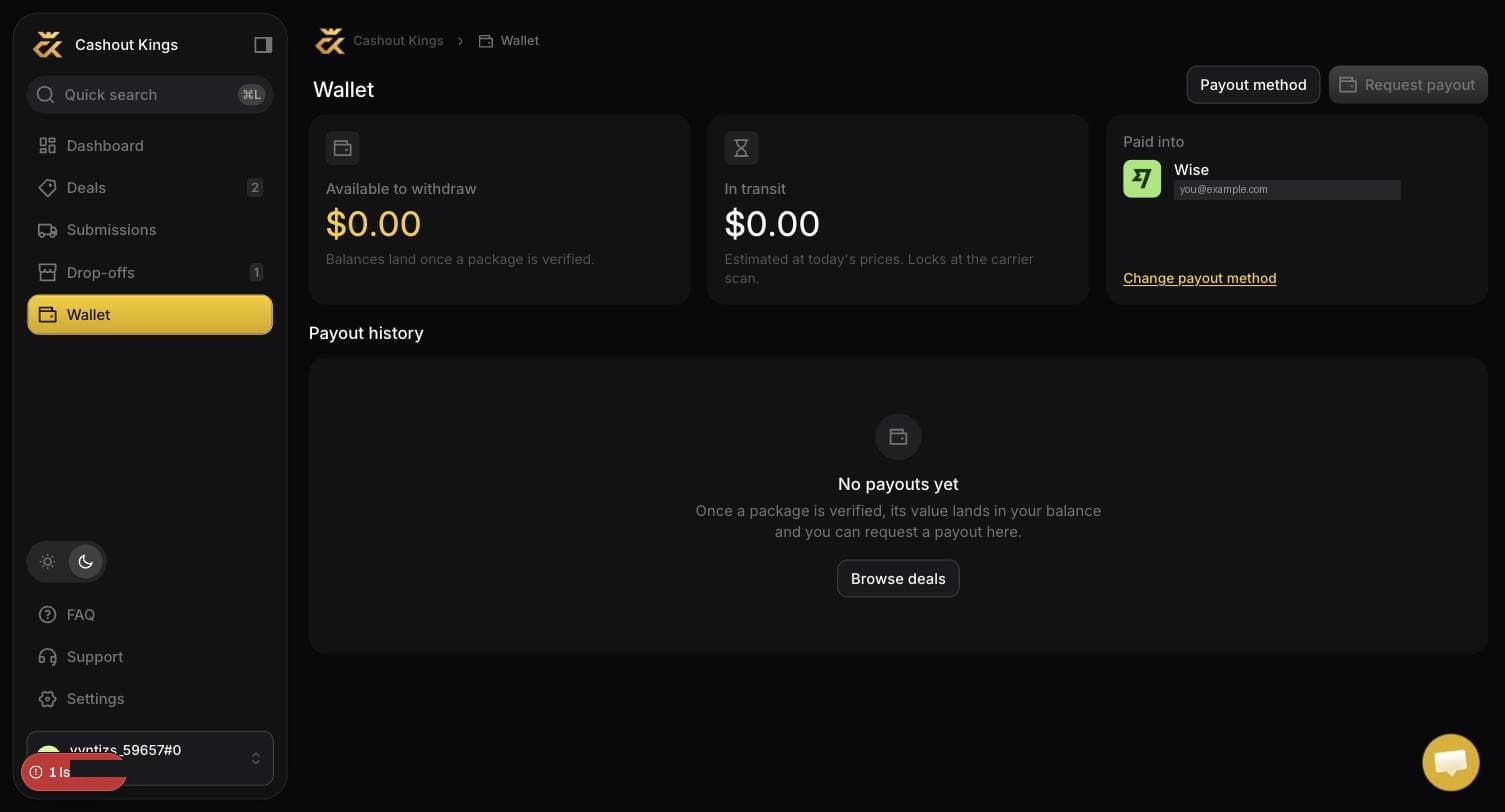
How it works
A payout request takes your entire available balance. There is no partial amount.
The moment you request it, the balance moves out of "available" and into a locked state. That is deliberate: it means the same money cannot be requested twice, and it cannot change under finance while they are working the queue.
One at a time
You can only have one payout in progress. Anything credited while a payout is pending simply becomes your next available balance.
What happens next
The request enters the queue
You will see it as pending in your wallet.
Finance sends the money
By Wise or PayPal, whichever you have on file, to the details you set up.
You are emailed
A confirmation with the amount and the method it went to.
Typically one to three business days end to end.
Before your first withdrawal
- A payout method must be set up. See Payout methods.
- Your name must match the receiving account, for Wise.
- The balance must be greater than zero. Balances land when packages are verified, not when they are delivered — see How you get paid.
Reading your transactions
Every movement is listed in the wallet with what caused it: each credit names the UPC, the quantity and the unit price used, so a balance can always be traced back to specific goods arriving at a specific warehouse.
Common questions
No. The request takes the full available balance. If you want to leave money in, wait — nothing expires.
Contact support. Once finance has sent it, it cannot be pulled back.
None from us. Wise or PayPal may apply their own on the receiving side.
Check the email confirming it was sent, then check the account it named. If the name did not match your Wise account, the bank may have rejected it — contact support with the payout date.